Inspecting the Harness Before Changing an Agent Behavior
A fix that works 80% of the time is worse than no fix. The workflow I use: bundle everything the agent knows about one behavior, hand it to a second model, and paste back the prompt that model writes.
When an agent behavior spans several files, patching the file you are looking at usually moves the problem rather than solving it. Here is the workflow I use now.
The example
My agent sends decision cards for things that need a choice. Each card should list every applicable option plus a “something else” line. That format is defined in a skill, validated by a script, described in a note, and run by a scheduled job.
I kept getting cards that were slightly wrong: a missing option, a checkbox that did nothing. I would tell the agent, it would add a rule to the skill, and the next card would be right. Then a different card would break, because the new rule conflicted with an older one or over-constrained a case that used to work.
What I do
- Inspect the harness for the files involved in the behavior, and copy all of it to my clipboard.
- Open a new ChatGPT window with a stronger model, complain about the problem, paste the context, and ask for a prompt that fixes it.
- Copy the returned prompt into my agent.
That is a reverse prompt: the model writes the instruction, the agent implements it. I wrote about the same move in Meta-Prompting: Let the AI Write Your Prompt.
Because the other session sees the whole component instead of the one file, the instruction covers the files involved, what has to stay unchanged, and a check to prove the change worked.
Step 1 is the part that makes this repeatable. Without it I forget a file, or paste a summary that drops the part that mattered.
In my environment the command is:
inspect the harness for how the inbox decides what to process
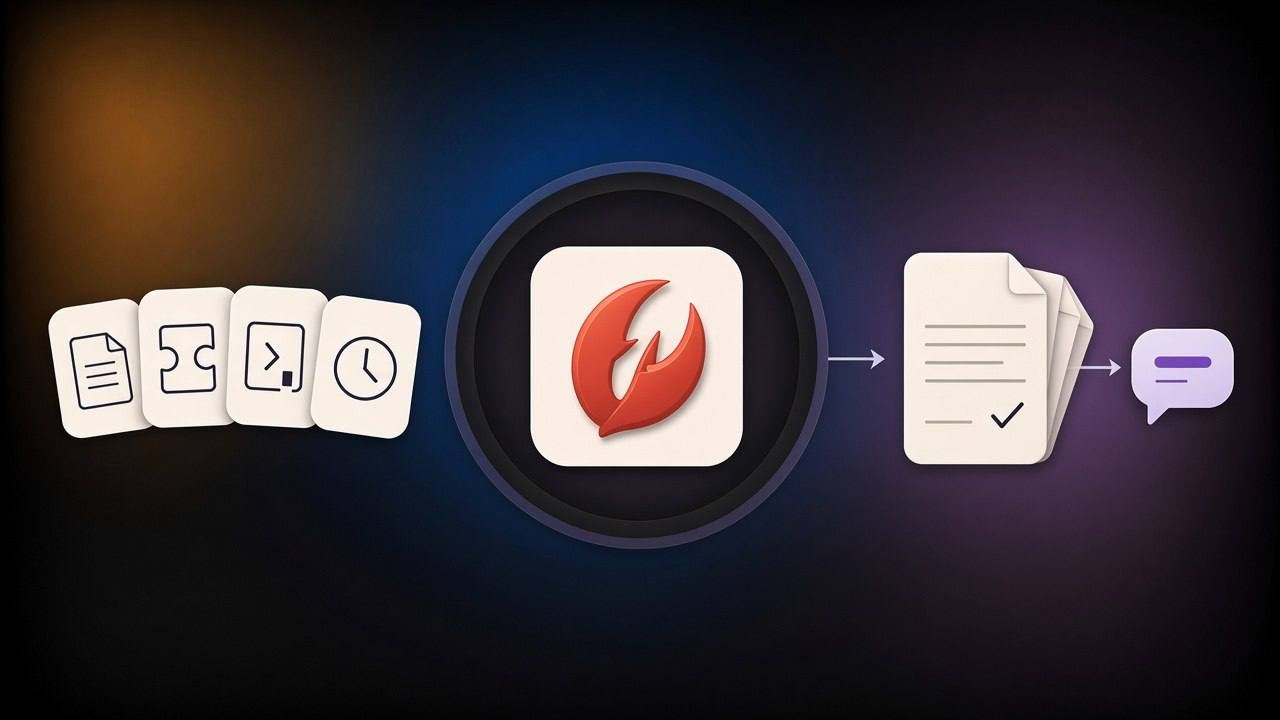
The agent writes the matching instruction-file lines, skills, scripts, notes, and scheduled jobs into one markdown bundle, prints the path, and stops.
The routing, skills and scheduled jobs this inspection has to gather are the same system I walk through in seven emails.
The kit
Point your agent at this post and ask it to set this up. It should adapt paths and file names to your setup.
Prompt for your agent:
Read this post and build the "inspect harness" capability in my environment.

1. Give me one command I can run with a topic: "inspect the harness for how <X> works".
2. It must collect, into ONE markdown file:
   - the instruction files you load every turn, as line-numbered excerpts around matches;
   - every skill that matches, with the files it references;
   - the scripts and hooks that implement the behavior;
   - notes or docs that describe it;
   - scheduled jobs, config entries and plugin registrations that wire it up.
3. Search on the topic's terms. Rank filename and heading hits above body mentions. Keep every
   file that could influence the behavior; do not trim to the obvious ones.
4. Print the path to the file. Do not summarise it.
5. If a category does not exist here, skip it and say so in the file.
6. Do not change anything while inspecting.
Line to add to TOOLS.md or AGENTS.md:
## Inspect the harness
When I say "inspect the harness for how <X> works", build one markdown file containing every
file that could influence <X> — instruction files, skills, scripts, notes and scheduled jobs —
then print its path. Do not summarise it and do not change anything.
This takes longer than editing the skill. I run the inspection, open the other window, paste, read, paste back. The change holds better, because the model writing the instruction sees the whole component instead of the one file I happened to be looking at. I’ll take the extra few minutes.